Create your account
You need a verified Runway account before you can search or manage company travel in the current live preview.
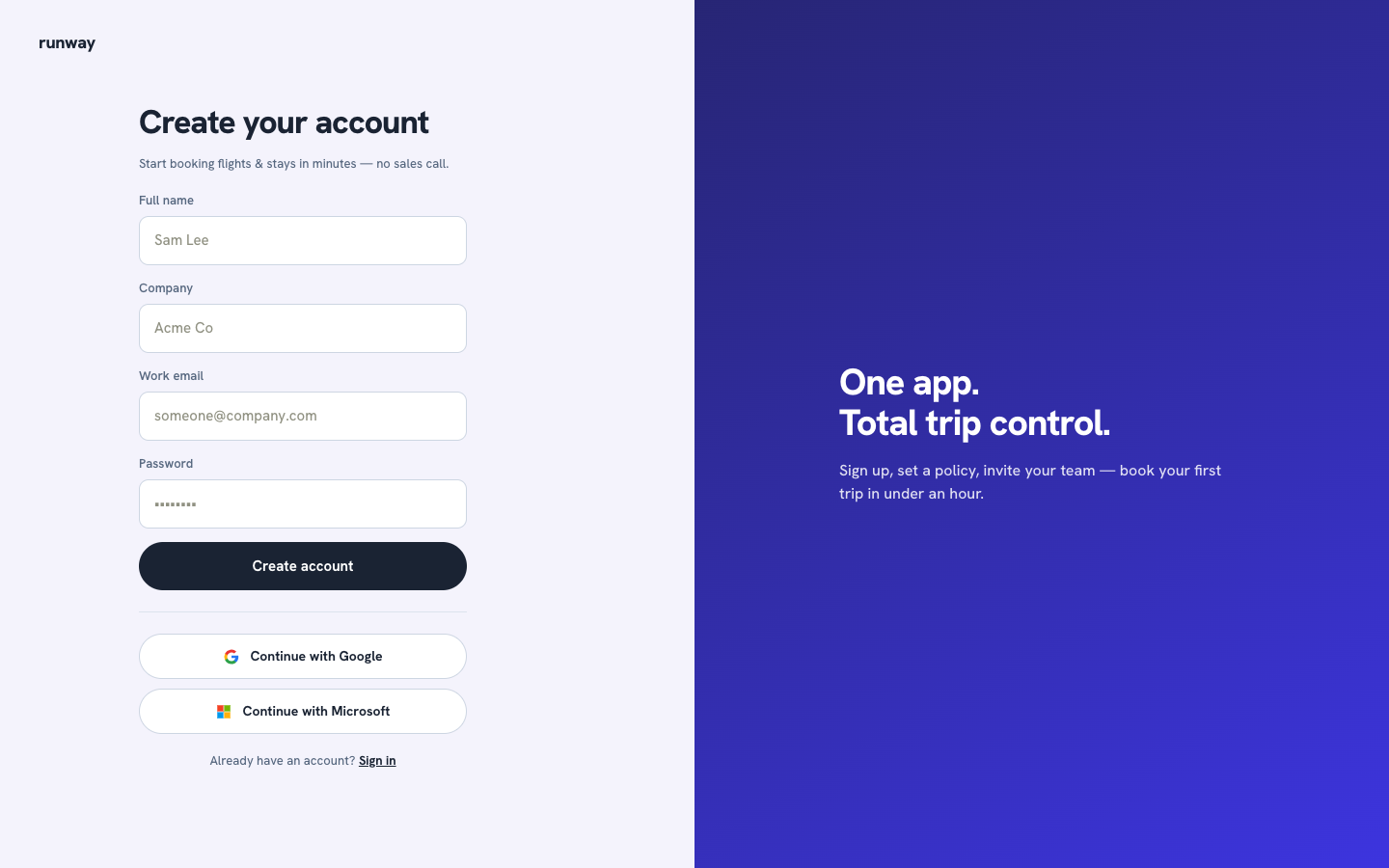
What you'll need
- Your full name
- Your company name
- A work email
- A password
Create your account
- Open the Runway sign-up page.
- Enter your full name, company, work email, and a password of at least six characters.
- Select Create account.
- Open the verification email from Runway and select its link.
- Return to Runway and sign in with your work email and password.
The person who creates the company account becomes its admin. The admin can set travel policy, rename the company, manage roles, and create invite links. Invited teammates join as members.
note
Google and Microsoft sign-in buttons are not available in the current UI. Use email and password.
Already have an account?
Select Sign in at the bottom of the page. See Sign in.