Sign in
Sign in before searching flights or stays, viewing trips, or managing your company.
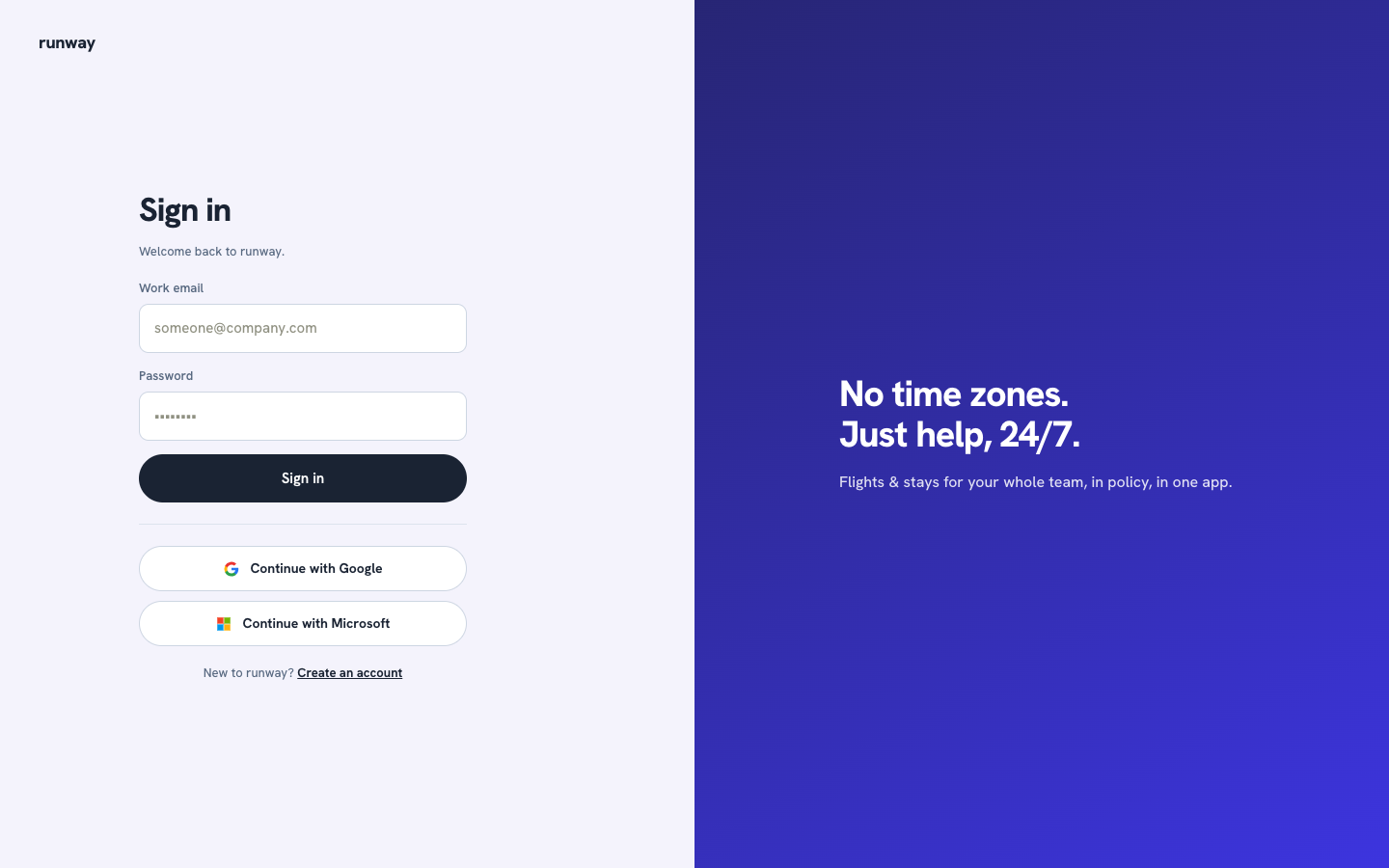
Sign in with your email
- Go to the sign-in page.
- Enter your work email and password.
- Select Sign in.
If you just created an account
Open the verification link in your email first. The confirmation screen includes shortcuts to Gmail and Outlook. After verification, return to the sign-in page.
Open company and profile settings
After signing in, select your initials in the top-right corner to open:
- My traveler profile
- Company settings
- Sign out