Search stays
Search live hotel availability, compare the list and map, then save a room or rate-on-request request.
Search stays
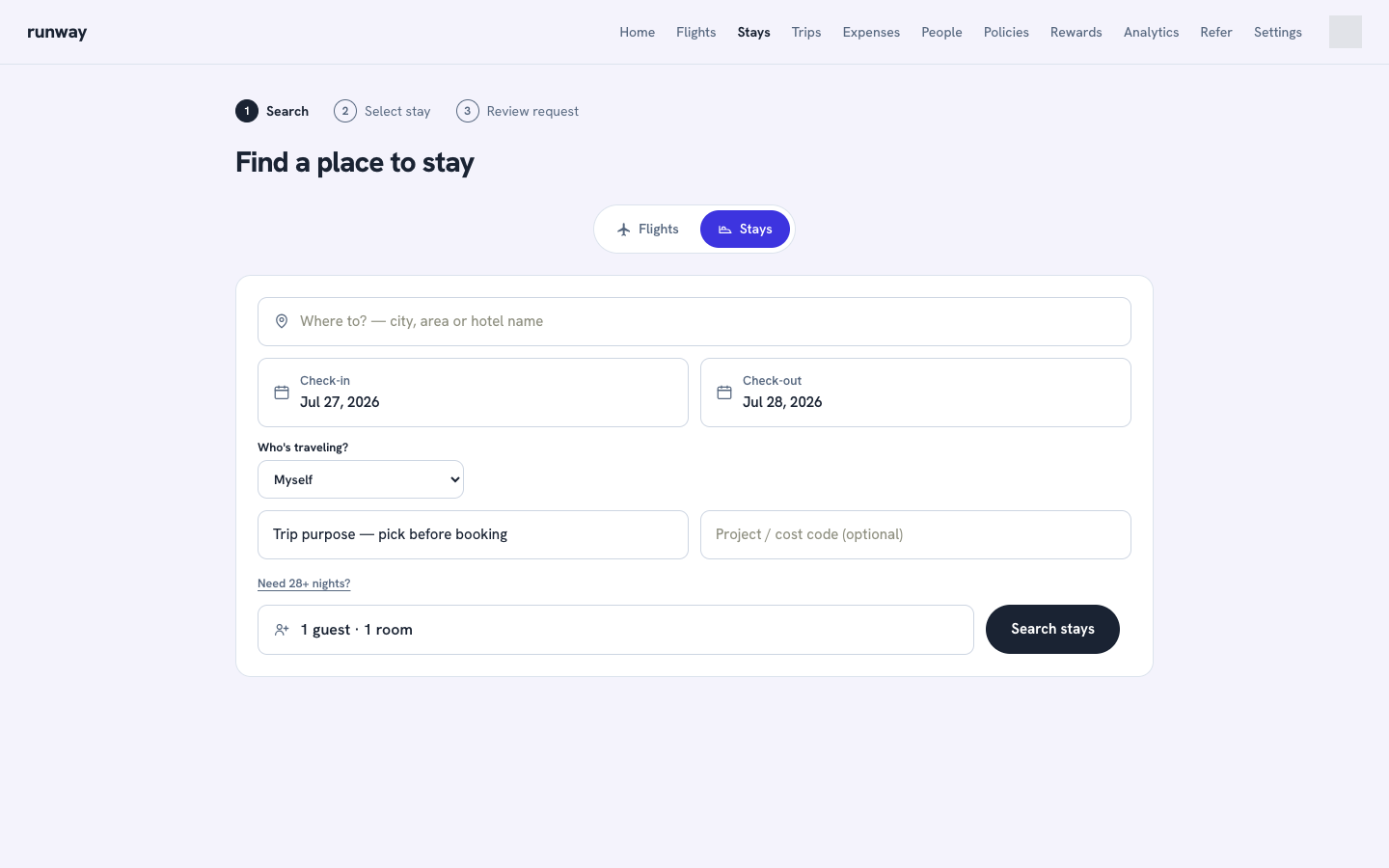
- Open Stays.
- Enter a city, area, or hotel name under Where to, then choose a suggestion.
- Pick your check-in and check-out dates. Staying a month or more? Select Need 28+ nights? for extended-stay options.
- Set adults, children and their ages, and rooms.
- Select Search stays.
Select and review
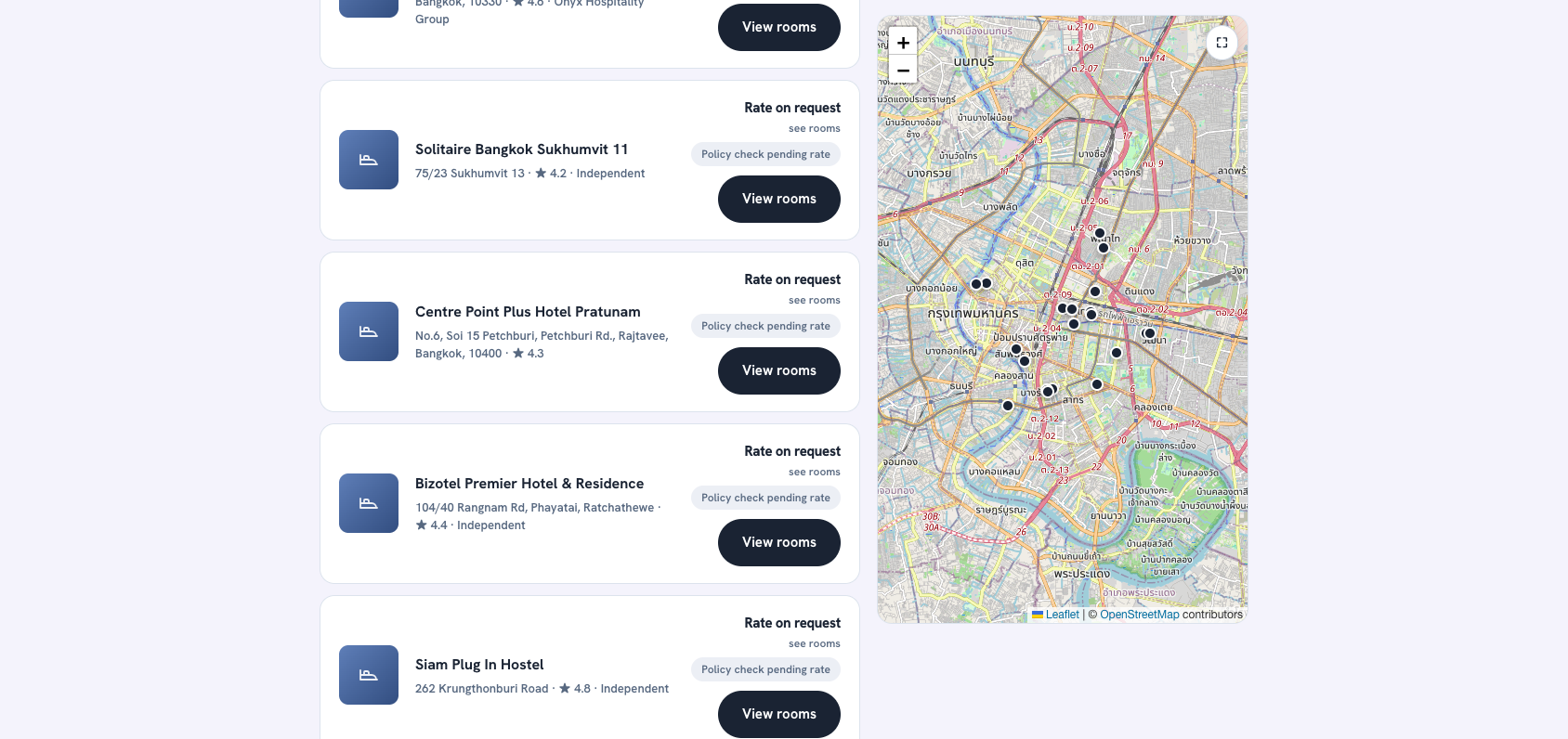
Results show a list and map with live hotel availability. You can filter by guest rating, nightly price, and policy, then sort by price or rating.
Many hotels currently show Rate on request and Policy check pending rate. The policy can only be checked after a room rate is confirmed. The In policy only filter therefore excludes rate-pending results.
Select View rooms to open hotel details, images, facilities, map, and room options.
Choose a room or request the hotel
If room rates are available, compare:
- Nightly rate and total
- Bed type
- Breakfast
- Cancellation terms
- Policy status
Select a room to save the request.
If rates are unavailable in the test environment, choose optional bed and stay preferences, then select Request this hotel. The request is saved with a pending rate.
A saved stay is a pending reservation request, not a confirmed hotel reservation. Supplier reservation APIs are intentionally not connected yet. Preferences are requests and are not guaranteed.